A collection of custom dev tools, background ETL pipelines, and automated UI testing workflows I am currently building.
Quick Status
- WCS Scraping & ETL (Production) — 100% automated weekly sync with zero manual maintenance.
- Storefront Automation (Active) — Converts vector art and pushes variant configurations directly to Printful.
- RAG AI Blog Drafter (In Progress) — Speeds up first-draft technical writing by 4x using past posts as core context.
1. WCS Event Telemetry Scraping & ETL Pipeline
Stack: React • TypeScript • Python • Pydantic • GitHub Actions • BeautifulSoup
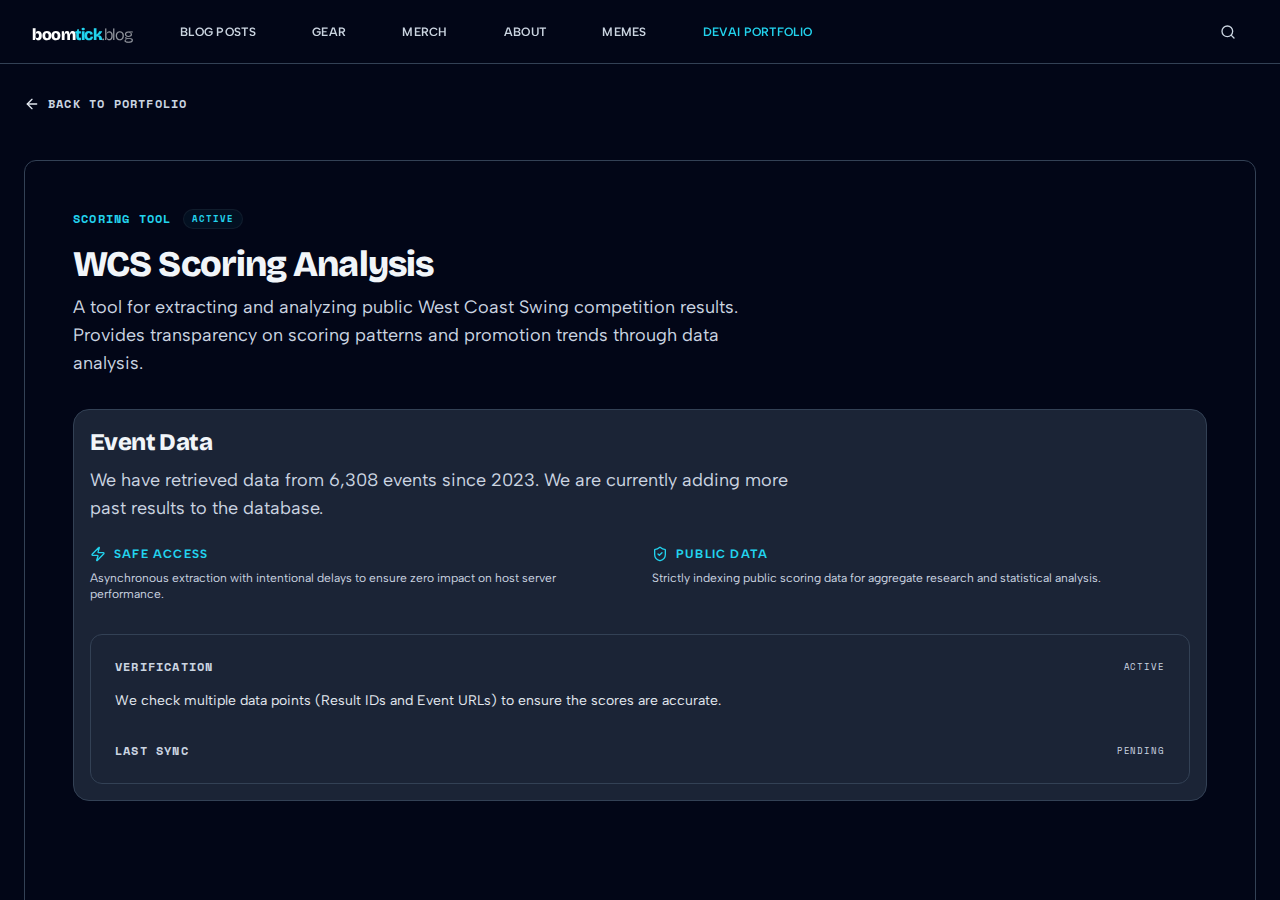
Tracking regional West Coast Swing event schedules and dancer registries from the World Swing Dance Council manually was a headache. Registration links broke often, and dates fell out of sync.
To fix this, I wrote a lightweight scraper using BeautifulSoup and Pydantic. It ensures HTML table parsing resilience by searching across structural variations (such as both tr.event-row and div.event-item containers). It also handles missing registry links by creating fallback temporary hashes (tmp_{hash(name)}) so valid events never get dropped during ingestion.
# etl/scraper.py - Pydantic validation & fallback hashing
from pydantic import BaseModel, Field
from typing import Optional

class WCSEvent(BaseModel):
    name: str = Field(..., min_length=1)
    location: str
    date: str
    registry_id: Optional[str] = None

# Fallback generator for missing WSDC registry IDs
def parse_registry_id(link_tag, event_name: str) -> str:
    if link_tag and 'href' in link_tag.attrs:
        return link_tag['href'].split('/')[-1]
    return f"tmp_{hash(event_name)}"
The pipeline runs on a weekly GitHub Actions cron job. Before committing changes to public/data/event_queue.json, it checks git diff --staged to make sure I don't spam commit logs when event data hasn't changed.
# .github/workflows/wcs_etl.yml - Git diff guardrail
- name: Commit and Push Data
  run: |
    git add public/data/event_queue.json
    if git diff --staged --quiet; then
      echo "No changes in event data. Skipping commit."
    else
      git commit -m "chore: Sync latest WSDC Event Data"
      git push
    fi
To prevent bundle bloat, the React client consumes this data via a custom useWCSData hook that asynchronously fetches public/data/event_queue.json:
// src/features/research/useWCSData.ts
import { useState, useEffect } from 'react';

export function useWCSData() {
  const [events, setEvents] = useState([]);

  useEffect(() => {
    fetch('/data/event_queue.json')
      .then(res => res.json())
      .then(data => setEvents(data))
      .catch(err => console.error("Failed to load WCS events", err));
  }, []);

  return events;
}- The Result: The pipeline runs quietly in the background every Wednesday, keeping my frontend JSON data fresh with zero manual maintenance, while the lightweight client fetching prevents initial bundle bloat.
2. Ecommerce Merchandising & Storefront Automation
Stack: TypeScript • Printful REST API • Vector Processing
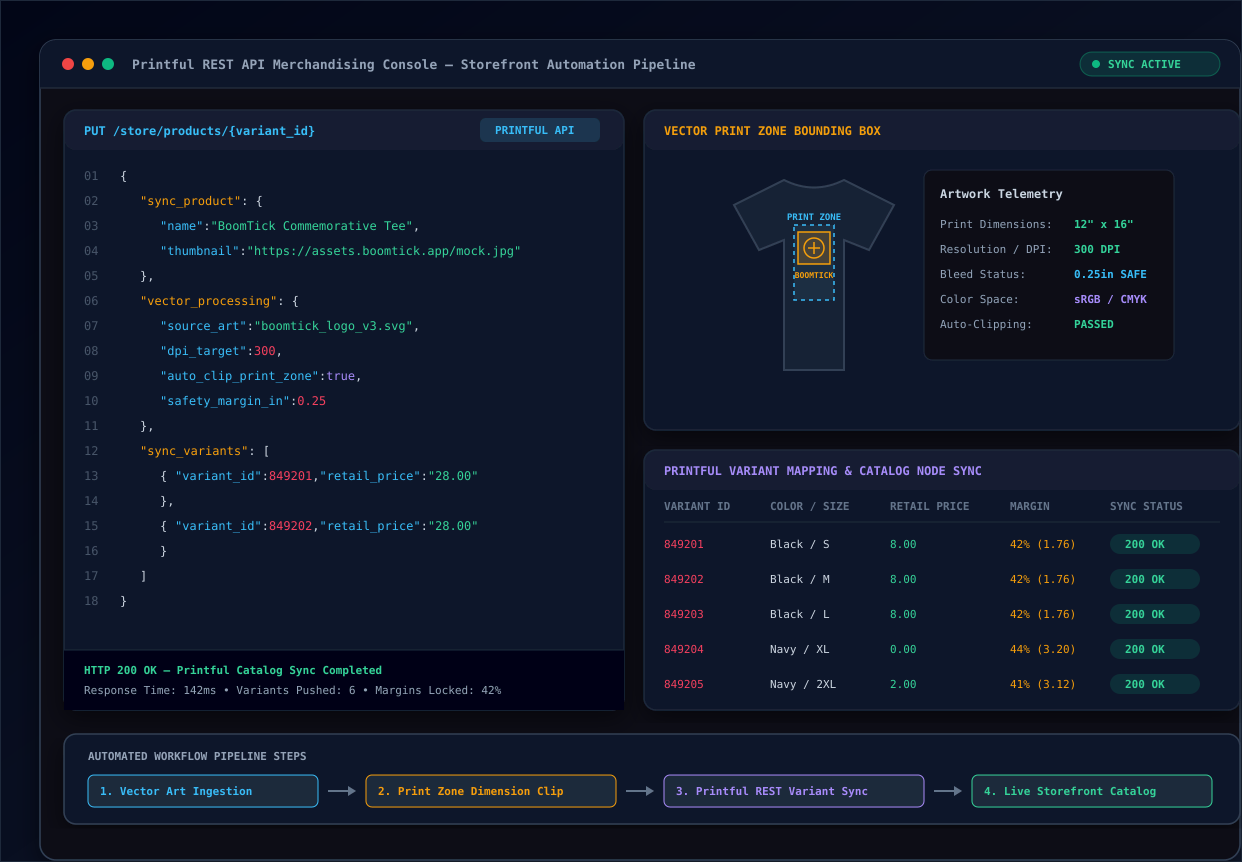
Setting up products manually on Printful—uploading artwork, recalculating margins, and mapping variants—became incredibly repetitive. To fix this, I built an automated pipeline that ingests source vector files, auto-clips dimensions to stay safely inside print zones, and syncs variants directly via the Printful API.
// sync/printful.ts - Automated variant payload creation
export async function syncProductVariant(variantId: number, printFileUrl: string) {
  const res = await fetch(`https://api.printful.com/store/products/${variantId}`, {
    method: 'PUT',
    headers: {
      'Authorization': `Bearer ${process.env.PRINTFUL_API_KEY}`,
      'Content-Type': 'application/json'
    },
    body: JSON.stringify({
      sync_product: { name: 'BoomTick Commemorative Apparel' },
      sync_variants: [{ retail_price: '28.00', files: [{ type: 'default', url: printFileUrl }] }]
    })
  });
  return res.json();
}- Why it matters: It removes the manual merchandising overhead and keeps product pricing and catalog nodes aligned in real time.
3. Context-Aware Technical Blog Drafter
Stack: Vector DB • LLM • Markdown
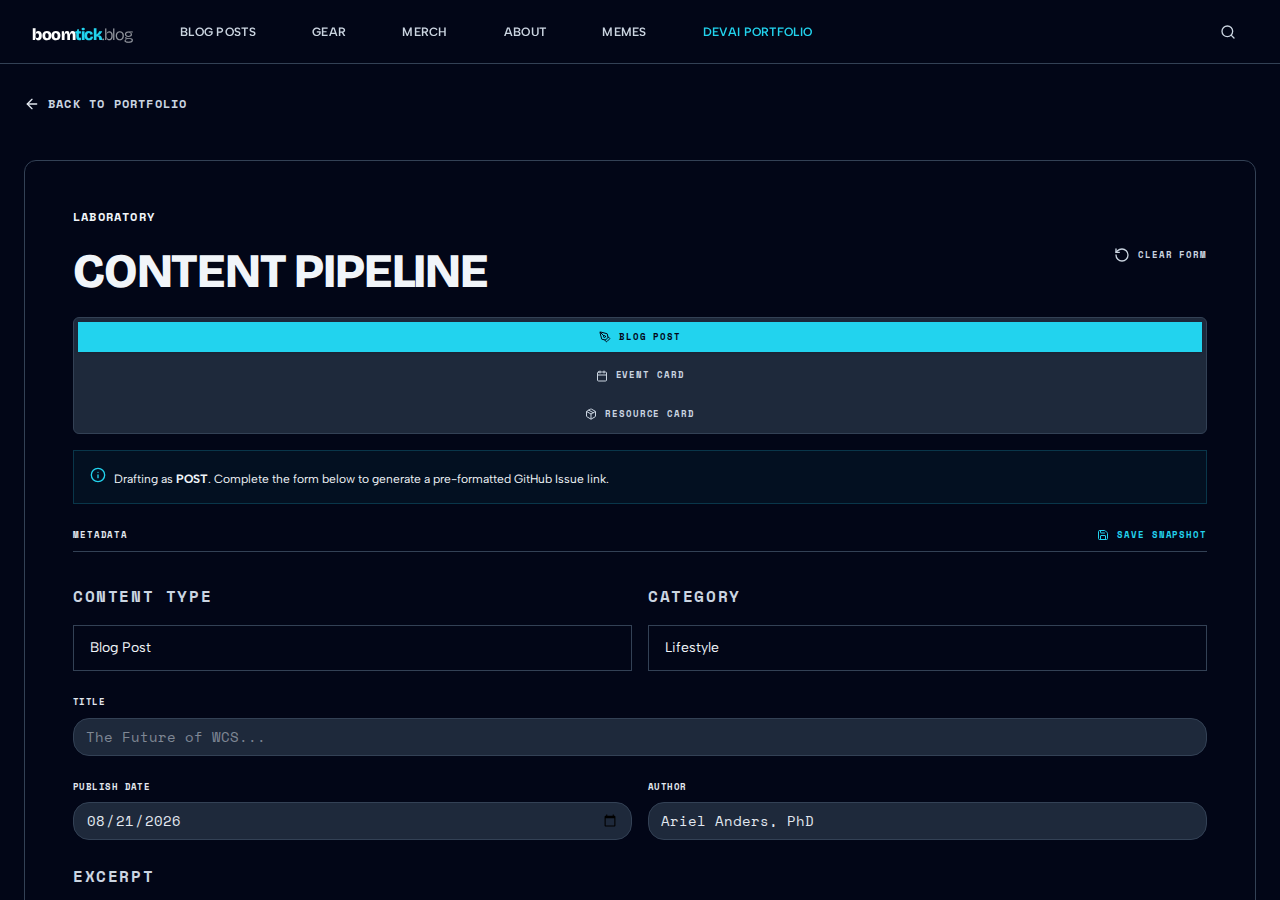
Drafting technical posts from scratch usually means wasting time fixing inconsistent code formatting or drift from established style guidelines.
To speed up my workflow, I built a local RAG tool. It indexes previous Markdown posts into a local vector store, pulling my exact writing style, phrasing preferences, and code conventions straight into the LLM prompts.
- The Impact: It hits the right structural hierarchy on the first try, cutting down initial drafting times by roughly 4x while keeping human editorial control.