The Heart Rate Monitor (HRM) project bridges consumer fitness hardware with real-time browser environments. Originally built in 2020 as a fast remote-training prototype, HRM was completely re-architected in 2026 as a flagship testbed for DevAI workflows—proving how autonomous PR auditing, agentic CI/CD pipelines, and multi-client telemetry can streamline full-stack system delivery.
Origin Story & Architectural Evolution
HRM was originally conceived and built during the COVID-19 pandemic for my mother, myself, and our personal trainer, Tim (from FitForLife gym). The goal was to maintain real-time biometric telemetry during remote group workouts when physical gyms were closed. Achieving a stable, frictionless experience required distinct architectural phases:
Iteration 1: OpenCV Video Loopback
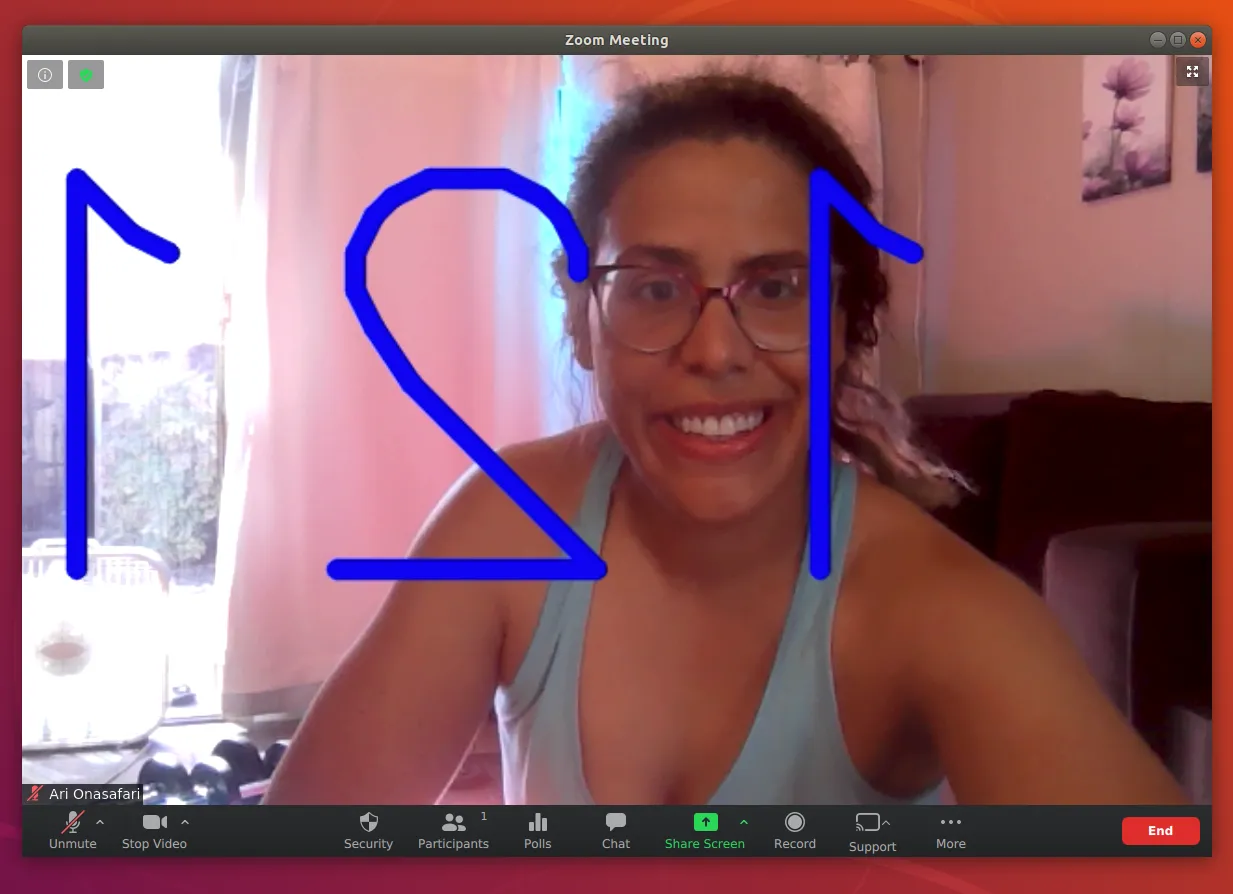
Initially, I captured BLE heart rate data via Python, overlaid a HUD text display onto the active video stream using cv2.putText, and outputted the composited stream to a v4l2loopback virtual camera device. I quickly abandoned this approach due to cross-platform OS driver fragility (struggling with DirectShow on Windows versus v4l2 on Linux).
Iteration 2: Web Bluetooth + OBS VirtualCam
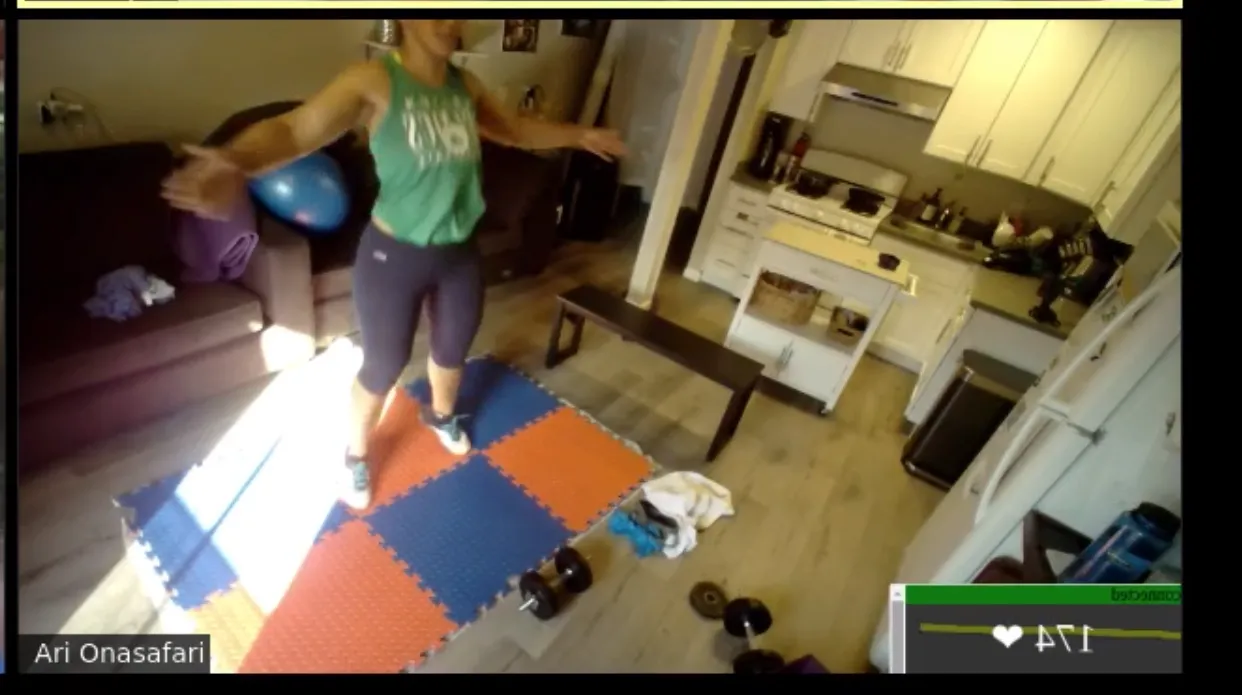
The second iteration utilized a Web Bluetooth client rendered in a browser window, which I composited into Zoom using OBS Studio VirtualCam. I abandoned this due to Zoom aggressively locking camera devices, video mirroring inconsistencies, and window resize scaling artifacts that broke the HUD alignment.
v2 Distributed Topology (2026)
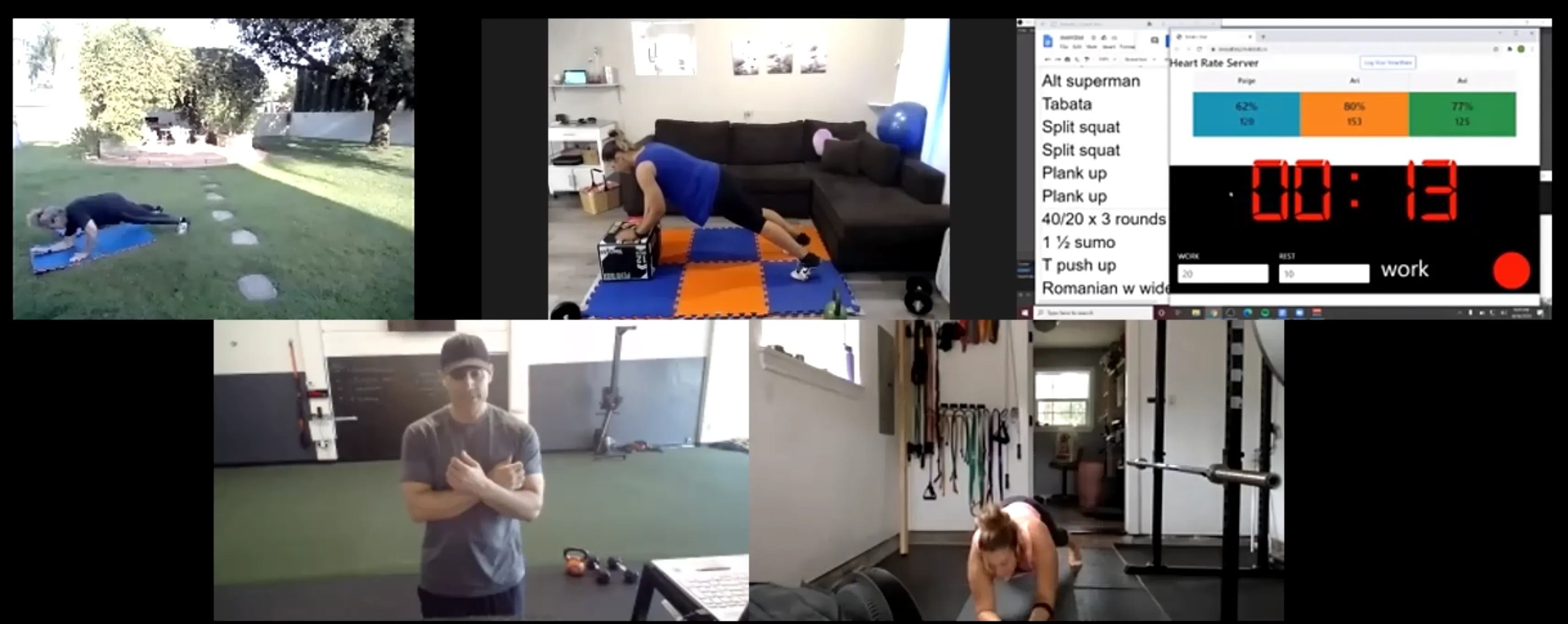
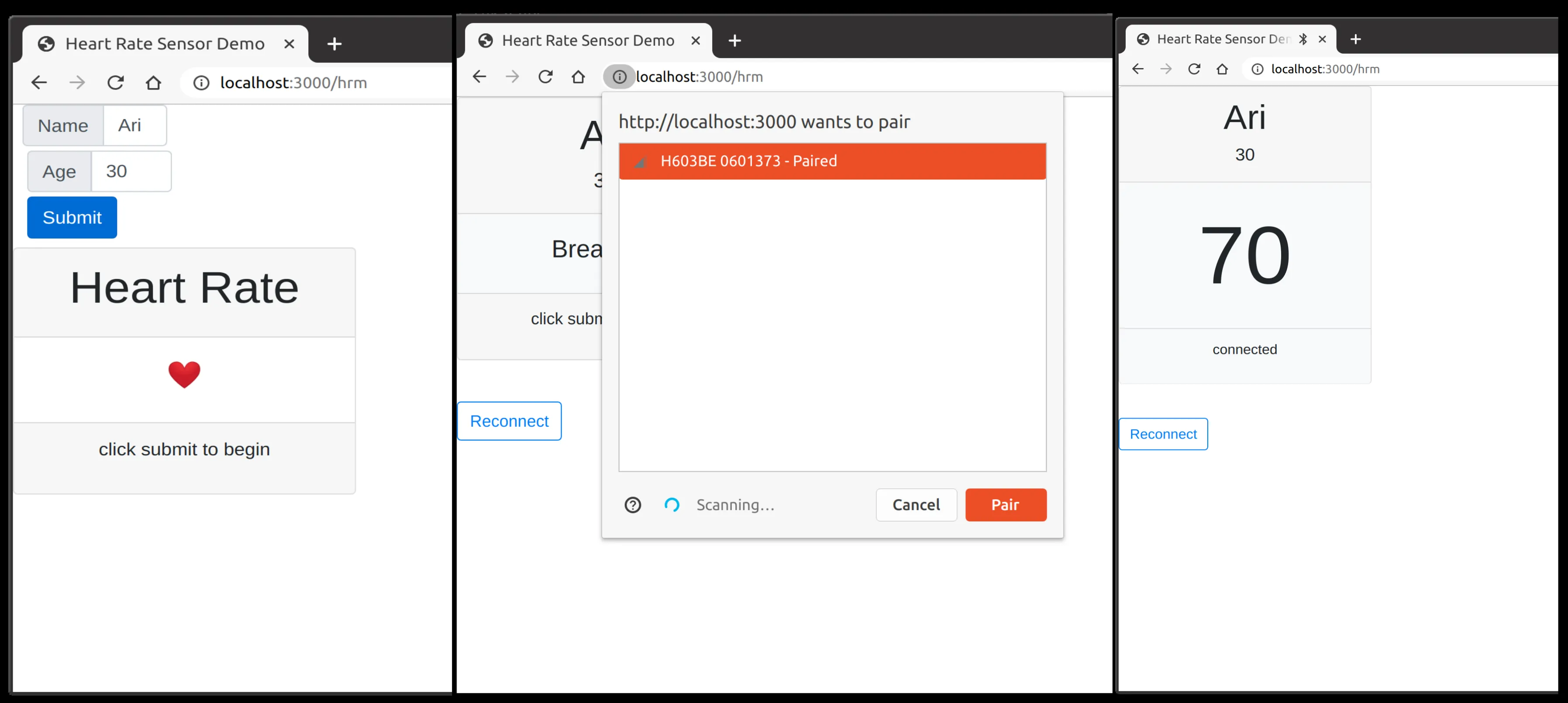
The final architecture moved to a decoupled, multi-client web topology. Browser clients stream BLE telemetry to a persistent WebSocket server, relaying active zone metrics, calorie calculations, and Tabata timer state to a unified trainer dashboard.
The DevAI Catalyst (v1 -> v2 Rewrite)
Refactoring the multi-client WebSocket topology and complex Web Bluetooth mock states in v2 became tedious to verify manually. Managing continuous multi-client refactors directly prompted me to build RepoAuditor and automated PR review bots in GitHub Actions. Using GitHub Actions, Gemini-powered PR reviews, and automated visual regression testing (Playwright), I was able to validate complex Web Bluetooth mock states and UI layout integrity across updates.
Core Technical Implementation
Web Bluetooth GATT Lifecycle & Decoding
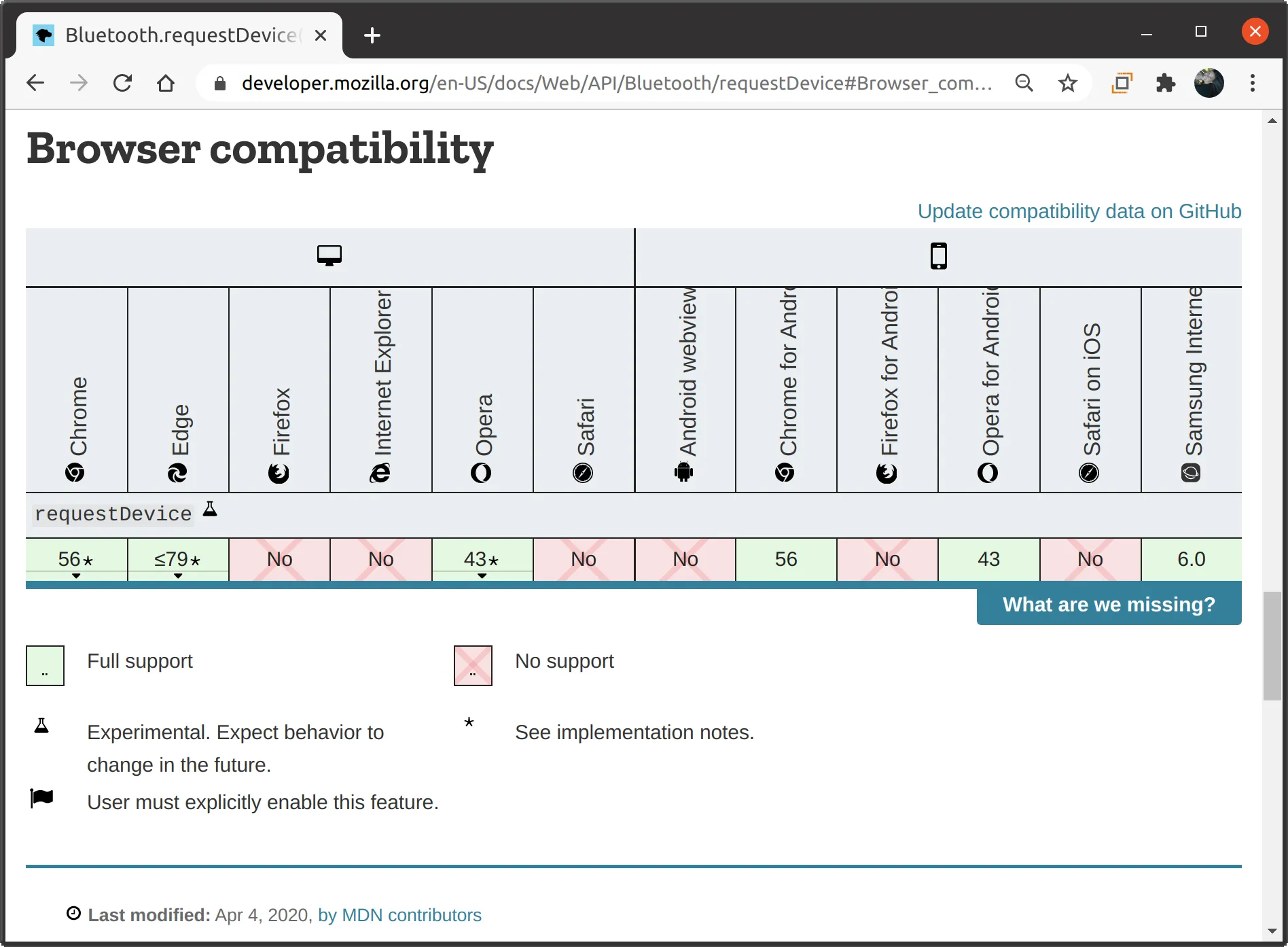
The foundation relies on the Web Bluetooth API to connect with peripheral sensors using the standard Bluetooth 4.0 / ANT+ Heart Rate Profile.
The client lifecycle begins by scanning for devices advertising the Heart Rate Service (UUID 0x180D). Once connected, it subscribes to the Heart Rate Measurement Characteristic (0x2A37). The incoming data streams as a raw byte buffer. I decode the flags byte in real-time to determine if the HR value is 8-bit or 16-bit, and to extract optional fields like energy expended or RR-interval buffers. The client includes an auto-reconnect handler that gracefully manages transient signal losses.
Zone Engine
To provide immediate visual feedback, I implemented a Zone Engine based on the standard maximum heart rate formula: $HR_{max} = 220 - \text{age}$.
The telemetry is mapped into dynamic zone buckets:
- Zone 1 (Grey): 50-60% (Very Light)
- Zone 2 (Blue): 60-70% (Light)
- Zone 3 (Green): 70-80% (Moderate)
- Zone 4 (Orange): 80-90% (Hard)
- Zone 5 (Red): 90-100% (Maximum)
WebSocket Protocol & Stale Data Guardrails
Multi-client synchronization is handled over Socket.io. To maintain a reliable dashboard, I engineered strict stale data guardrails and heartbeat handling. If telemetry from a client ceases for more than 4 seconds, the dashboard displays --. If the client remains inactive for over 30 seconds, the user's card automatically unmounts from the instructor's grid to prevent clutter.
Mock Simulator Test Harness
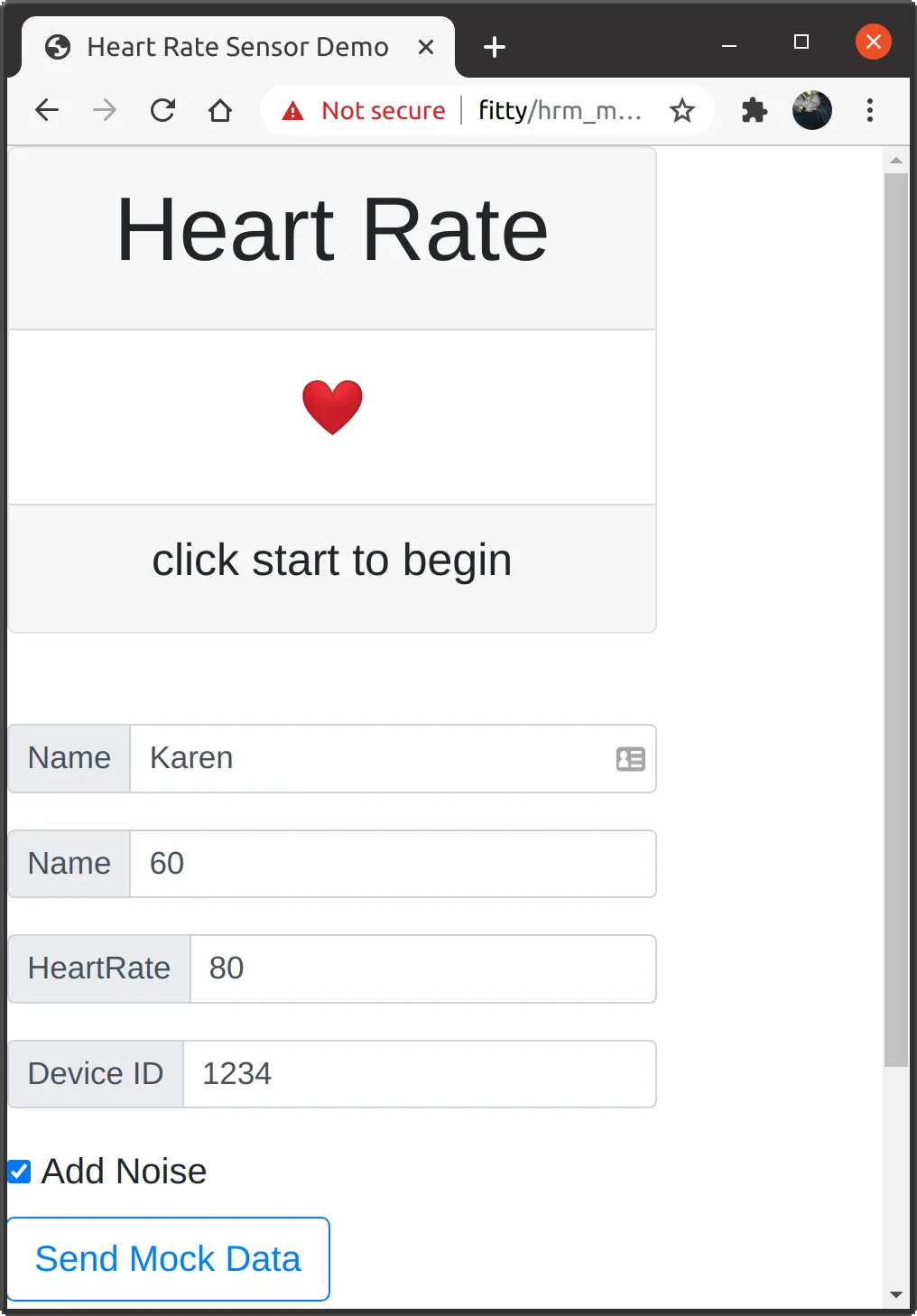
To ensure the system could scale and handle network jitter, I built a dedicated mocking engine (/hrm_mock). This simulator allows for multi-user stress testing and synthetic biometric signal generation without requiring physical peripherals.
Synchronized Workout Intervals & Spotify API
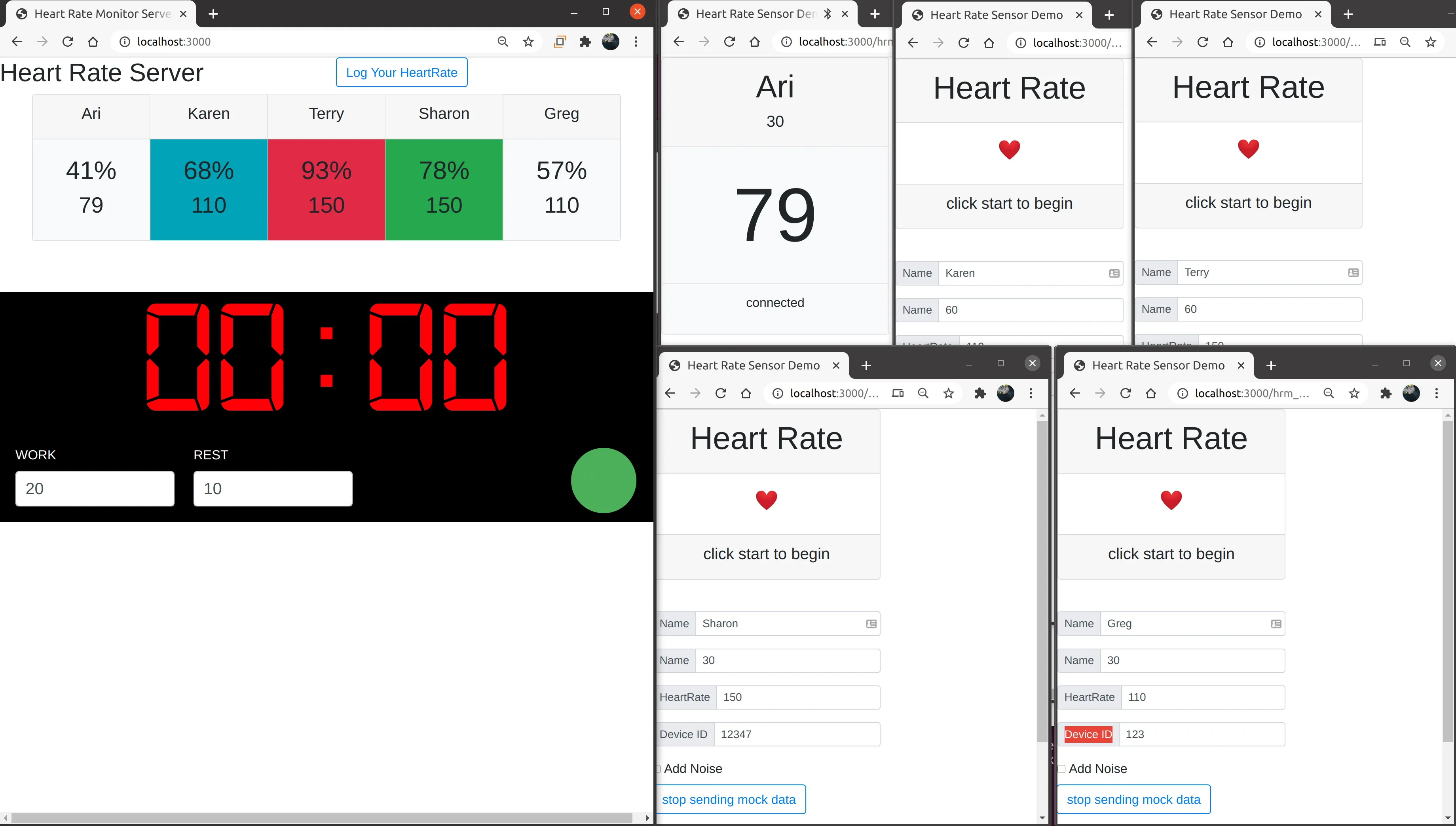
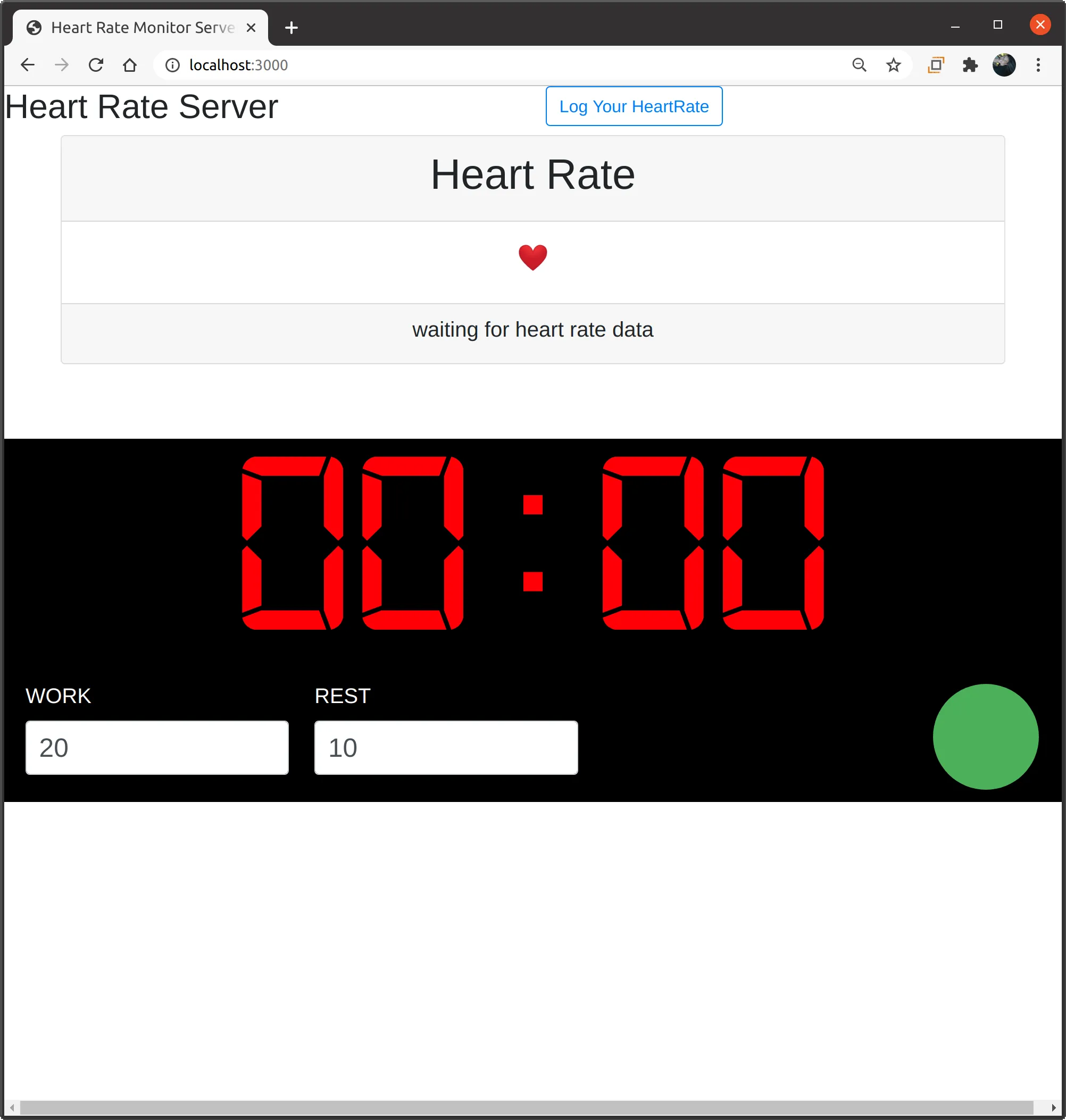
The central server orchestrates a synchronized Tabata HIIT timer (countdown, work intervals, rest periods, audio feedback beeps) across all client views, guaranteeing sub-100ms latency for state replication.
Furthermore, I integrated the Spotify API and Web Playback SDK to synchronize music with the active workout state using OAuth PKCE for client-side token negotiation. A background token refresh loop maintains an uninterrupted session. The system exerts real-time playback control synced directly to the HIIT intervals, automatically adjusting playback based on the current timer phase.
Interactive Controls & Analytics
The live application features interactive controls with a dual-mode timer (Tabata vs. Stopwatch), audio feedback cues, and in-browser Spotify player token management. I also built a workout history and analytics persistence layer that tracks elapsed duration, active calories burned, and historical session logs across multiple dates.
System Topology
The following diagram illustrates the data flow and system topology, from the biometric peripheral through the web client to the synchronized servers and external APIs.
flowchart TD
    subgraph Client ["Client Device (Browser)"]
        BLE[BLE HR Sensor] -->|GATT 0x180D| WB[Web Bluetooth Client]
        WB --> ZE[Zone Engine & Analytics]
        WB --> MOCK[Mock Simulator Harness]
    end

    subgraph Relays ["Server & Media Layer"]
        ZE -->|Socket.io Telemetry| WS[WebSocket Server]
        ZE -->|OAuth PKCE| SPOT[Spotify Web Playback SDK]
    end

    subgraph Outputs ["Unified Views & Integrations"]
        WS --> DASH[Trainer & Multi-Client Dashboard]
        ZE -.->|OAuth In Development| STRAVA[Strava API]
    end

    subgraph CI ["DevAI & Quality Guardrails"]
        REPO[RepoAuditor PR Reviewer] --> GA[GitHub Actions CI/CD]
        GA --> PW[Playwright E2E & Visual Diff Tests]
    end

    classDef client fill:#1e293b,stroke:#38bdf8,stroke-width:2px,color:#f8fafc;
    classDef server fill:#0f172a,stroke:#818cf8,stroke-width:2px,color:#f8fafc;
    classDef output fill:#064e3b,stroke:#34d399,stroke-width:2px,color:#f8fafc;
    classDef devai fill:#312e81,stroke:#a855f7,stroke-width:2px,color:#f8fafc;

    class BLE,WB,ZE,MOCK client;
    class WS,SPOT server;
    class DASH,STRAVA output;
    class REPO,GA,PW devai;